What is Secure Citizen?
Secure Citizen is a South African digital identity and anti-fraud platform that works with the Department of Home Affairs to verify that a person is who they say they are. Bob Shop uses Secure Citizen to verify our Bob Shop accounts and keep our platform the safe and secure platform South Africans have loved for 27 years.
Step 1: Protecting your account
Your name and surname will automatically populate. All you need to do is enter your RSA identity number and select the checkbox to confirm that you consent to the terms and conditions. Click on Verify my identity to continue.
Step 2: Select how you want to submit a selfie
You are now prompted to take a selfie; there are two options available to do this. Click on the left-hand side if you want to take a selfie immediately using the camera on your device. However, if the device you are using doesn’t have a camera, you can select the second option (on the right-hand side). A link will be emailed to you so that you can use a different device instead.
Step 3: Follow identity verification steps
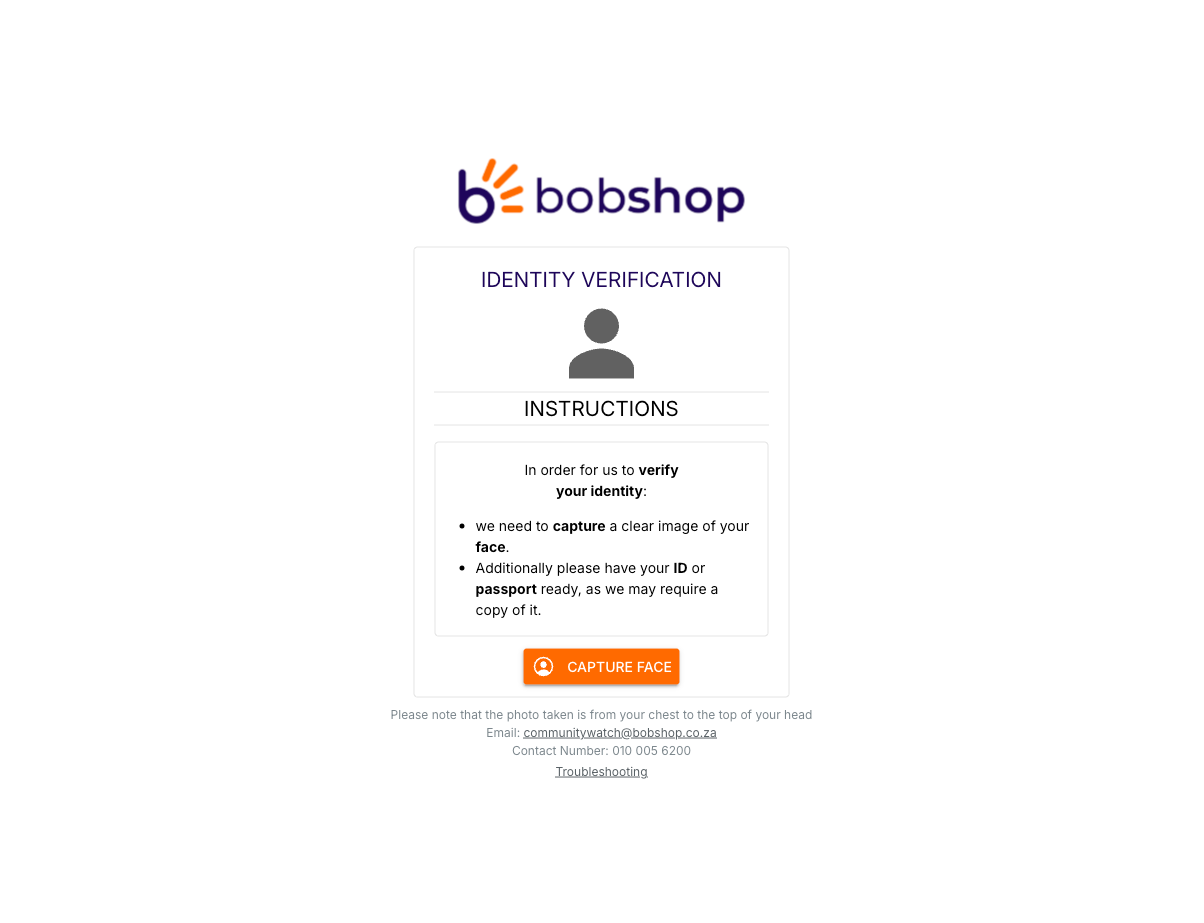
When you are ready to take a selfie, you will be redirected to a Secure Citizen interface. Click on Capture Face to begin the process. Grant your camera access by clicking on Continue.
 Step 4: Selfie tips and verification
Make sure you remove any hats, caps, and glasses. You will also need to make sure you are in a well-lit space. When you are ready, click on Continue. Once your selfie photo has been captured, the system is able to match your biometrics with your ID. Once successful, you may continue your action on Bob Shop.